By Kerensa Valehurst · Publisher: LaughPartyNow Pocket Interface Notebook
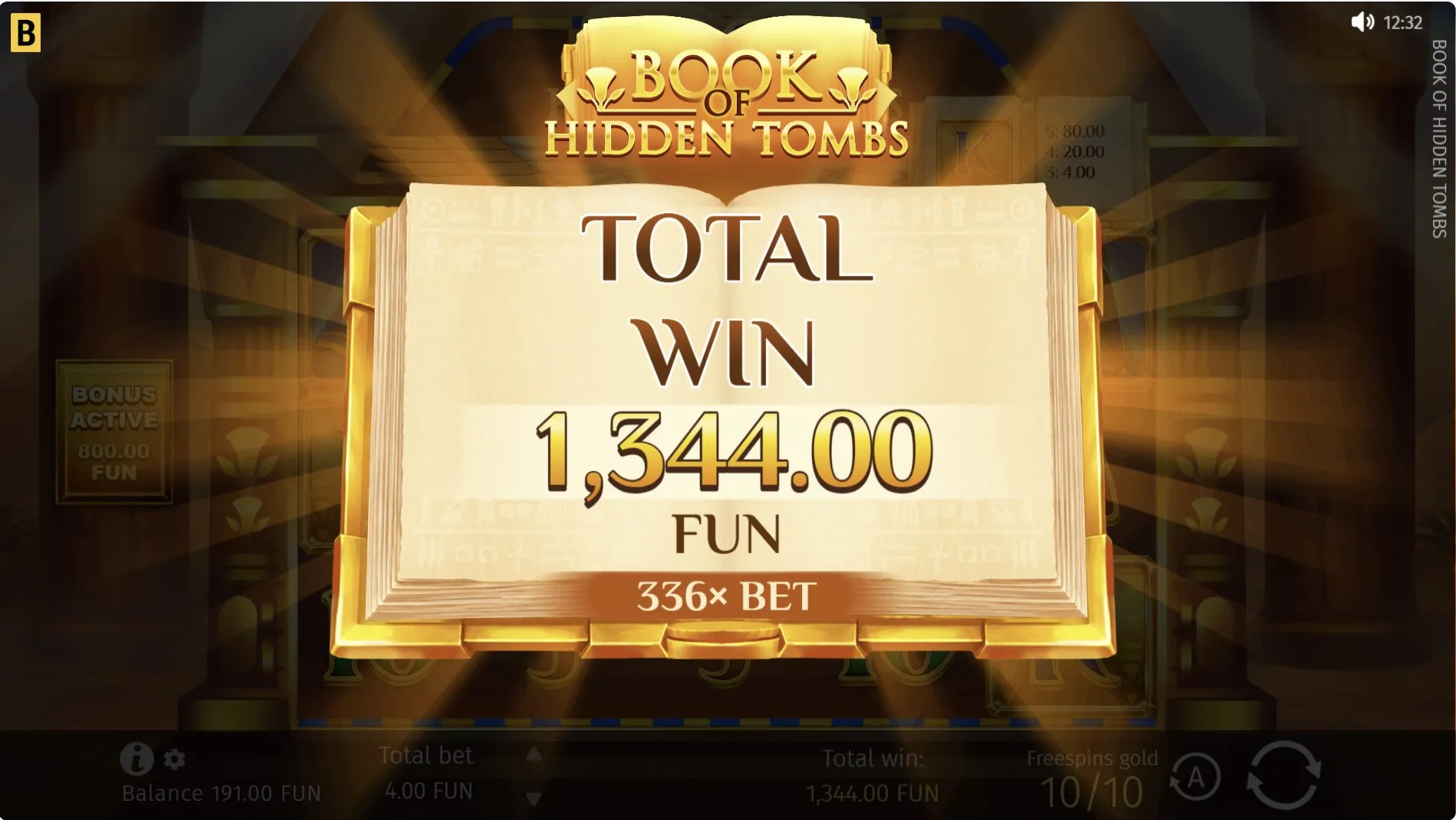
A website can contain another interface
The menu at the top of LaughPartyNow and the buttons inside a game share your phone screen, but they do different jobs. The site’s play pages contain an embedded game supplied through a separate frame. Understanding that boundary makes browser game controls less puzzling: opening the website menu is not the same action as opening the game’s help or sound settings.
This distinction is useful when a button seems to have vanished. You might be looking at a scrolled website page while the game’s own controls remain lower down. Or the game may occupy a full-screen view with the site header out of sight. Pause and identify the current view before using the browser’s back button, which may leave the page rather than close a game panel.
| Visible element | What to check |
|---|---|
| LaughPartyNow menu | Links to areas of the website. |
| Game help or sound icon | Controls belonging to the loaded game. |
| Browser address bar | The page address and browser navigation. |
Locate before you tap
- Read the page title and the title inside the game.
- Find the game boundary and wait for its opening view.
- Identify help, sound and exit controls before starting a round.
The page names and homepage card names are not identical throughout this site. If that leaves you unsure which instructions apply, consult the game identity guide. A familiar picture is not enough to establish that two screens use the same settings. Browser game controls should be read in the context of the game you actually opened.
Give the labels enough room
A phone can show a complete game while making its smallest labels difficult to read. Before playing, check whether the balance, current setting and help text are legible without guessing. Try a comfortable device position or another supported view while the game is idle. No particular orientation is guaranteed to work better; judge the result on your own screen.
Rotation may move buttons, change the visible area or cause a layout to settle again. If a view hides the explanation you need, return to a readable view rather than tapping from memory. Browser game controls are easier to use when their labels and boundaries stay visible together.
- Check that the close button is visible before opening a panel.
- Adjust sound before handing the device to someone else.
- Keep a comfortable grip that leaves action buttons clear.
- Use the help text to identify unfamiliar symbols.
Come back without assuming the state
A message, a call or a switch to another app can interrupt a session. When you return, first check whether the game is ready, loading or showing a completed round. Avoid repeatedly tapping an unresponsive control. Several quick inputs make it harder to tell which action the screen has accepted, and they do not establish whether the session has resumed correctly.
In September 2026, the homepage describes cross-device continuity, but check the returning screen. The game and website may respond differently to a reload. A cookie choice does not prove that a game balance was saved.
A short return check
Look at the game title, the current balance label and any open message before continuing. If something differs from what you remember, treat it as a question rather than trying to recover it through more rounds. Browser game controls can help you inspect the visible state; they cannot by themselves explain why a previous session changed or whether it can be restored.
When sharing a device, give the next person this same chance to look around. Close an explanation only after they have finished reading it, and do not press a button for them without asking. The article on sharing discoveries with a friend puts that small courtesy in the wider context of relaxed social play.
Author’s opinion
I think a comfortable phone session begins with knowing how to leave a view as well as how to enter it. Browser game controls deserve that minute of attention. If I cannot read a label or explain which layer I am using, I stop to sort it out. A free game can wait; there is no benefit in making a hurried guess.